How it works
From a sentence to a finished carousel, in five steps.

Step 01
Topic
Tell Snappd what the post is about and who it’s for. Or paste a link, or point at a carousel you want remade. This is the whole brief.

Post 01 — 7 slides
Step 02
Concepts
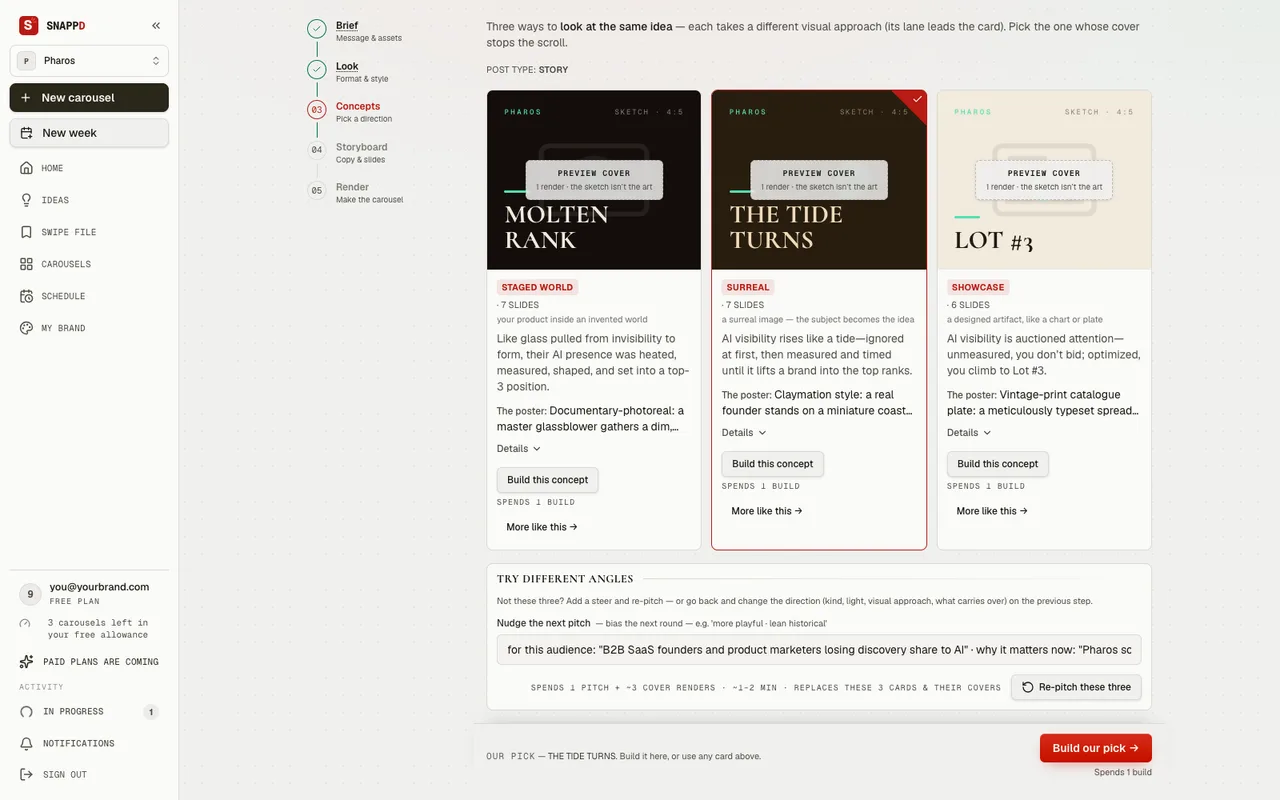
Snappd pitches distinct angles on your subject rather than one take-it-or-leave-it draft. Pick the one worth building.
Step 03
Look
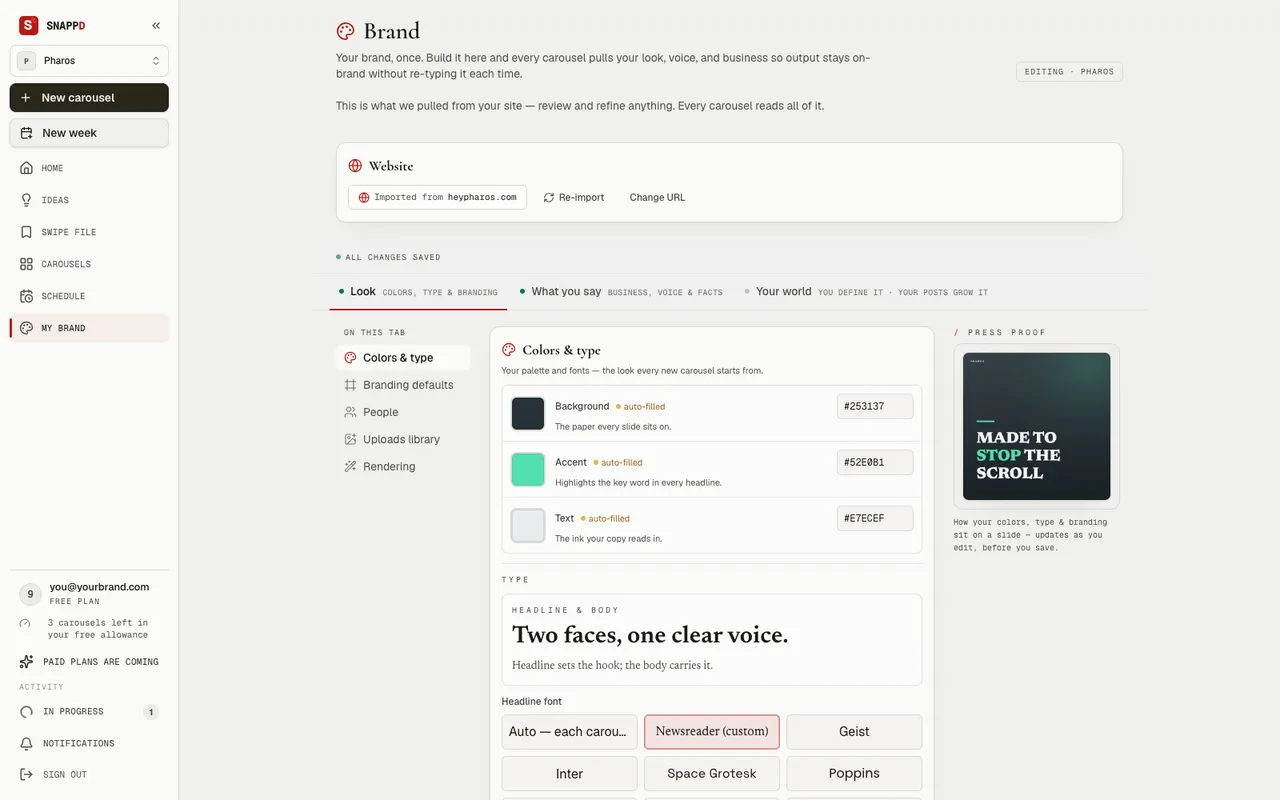
Choose the world the slides live in. If your brand universe is set up, this is already decided — every deck comes out inside it.

Skin Atlas — 8 slides
Step 04
Storyboard
The full deck in words: the hook, the turn, the close, slide by slide. Edit anything. Nothing has been rendered yet, so changes here are free.
The arc, finished
What a storyboard turns into.
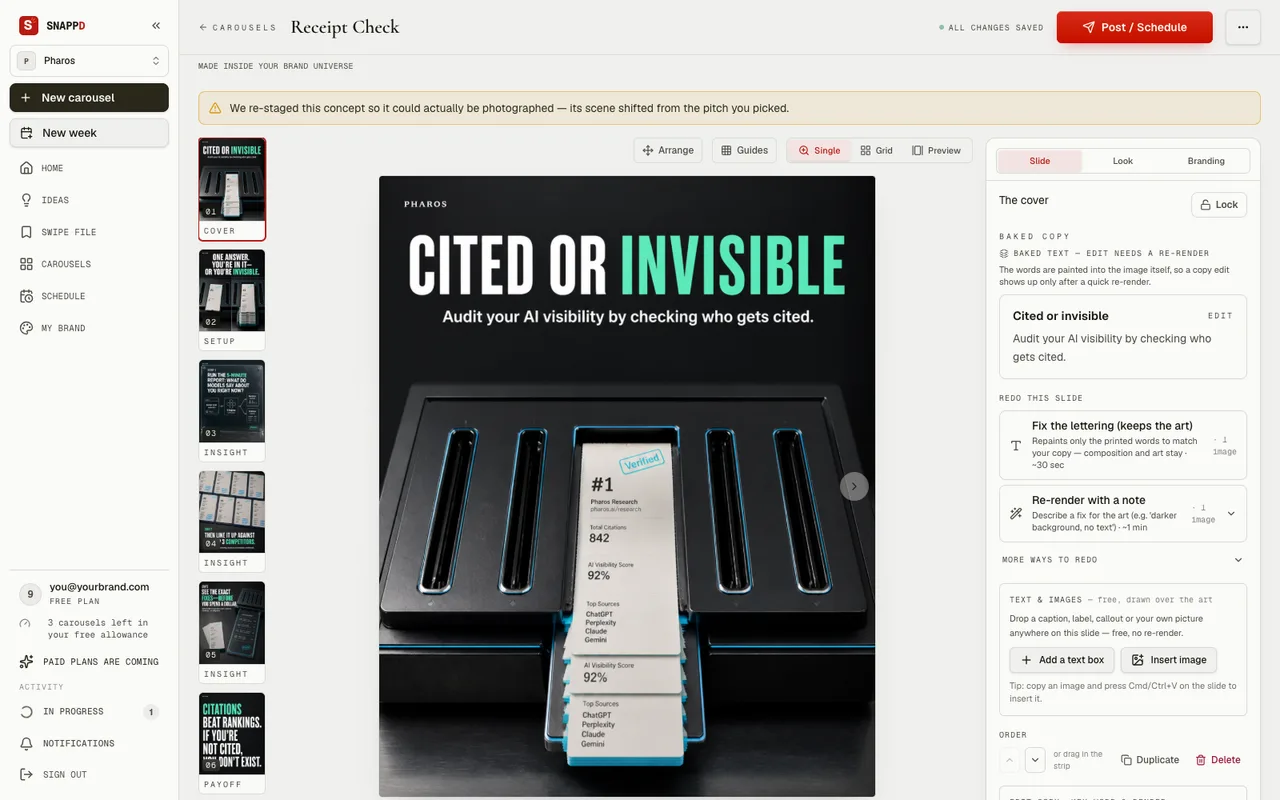
Nine slides for a made-up brand, in the order Snappd built them. This one is a listicle, so the arc counts itself off — one through five, then the turn, then the close. A different kind of post gets a different arc.


Pharos — 9 slides
hook
Slide 1 of 9. Top rank won’t save you here.
The cover gate
One image decides the deck.
Snappd renders the cover first, and stops. You look at one image and decide whether this is the deck you want. Approve it and the rest renders in the same world; reject it and you’ve spent one slide, not ten.
Step 05
Render
The remaining slides are made, checked, and dropped into the editor. Re-render any single slide you’re not sure about.

Repaymi — 8 slides
Then
What you walk away with.
- Export the PNGs, the ZIP with the caption, or a PDF.
- Share a preview link with a client or a teammate.
- Plan the week.
- Post it.
Bring one topic and see what comes back.
Three carousels free. No card.